

It’s Fridays night, the pizza is waiting on the table, and everyone has gathered on the couch in their pajamas. Remote control in hand, you log into a streaming service (NETFLIX, Disney+, Amazon Prime… there are quite a few of them) to launch that new hit everyone is talking about at school and work. You click PLAY and suddenly… STOP.
A disappointing login screen appears. You have been logged out.
The famous question is asked: „What was the password?”
The quessing and analysis begin:
- „I think it’s the dog’s name and 123…” – Incorrect password.
- „Maybe the wedding date and an exclamation mark?” – Incorrect password.
- „Try that old one, the one we use everywhere!” – Account locked for 15 minutes.
The pizza gets cold, the kids whine, and the evening turn into a festival of frustration. And the movie? Everyone has already lost interest… a forgotten password is no fun – it wastes time and ruins the entertainment, but did you know that the way we try to remember them can ruin a whole lot more?
The password for cartoons needs to be secure too
“It’s just an entertainment account, what does a hacker care about a list of favorite cartoons and series?”
This is where most of us fall into a trap. The problem is not that someone will watch “Peppa Pig” instead of you. The repetition is the danger here. If your password is easy to remember for convenience, you probably also use it for the electronic school diary, your email inbox, or an online store with a linked payment card?
And if it got blocked because new logins appeared from very distant locations… it means something is going on.
At this point, a domino effect begins, which cybercriminals call a credential stuffing attack. They know we don’t want to remember difficult passwords. If they breach the security of one platform or login data leaks, they will try to use this data for your bank, for example.
Every password, even a “home” one, must be secure!
Recipe for a secure password
A strong password should be like spaghetti – long and tangled.
In traditional Italian cuisine, breaking spaghetti is a sin, but on the internet, cybercriminals will try to break it in various ways. Don’t make it easy for them.
Attention, we have a universal recipe for you that will make any string of characters protect your data well.
“A secure password is one that is a challenge to remember”
- long (take care of the number of characters, the current minimum is 16, but it’s worth ensuring an appropriate buffer)
- complex (lowercase and uppercase letters, numbers, and special characters, avoid patterns, greater randomness = greater security)
- unique (the absolute foundation, 1 account = 1 unique password that fits only here)
Here comes the problem. Since we happen to forget even simple passwords, how are we supposed to remember something like SOpgd1#@kc6s[VX? After all, as a parent, you have more important things on your mind, from vaccination dates to tomorrow’s grocery list.
You don't have to remember passwords
Neither you nor any family member needs to remember a complicated string. The solution is not memory training, but using the right tool. Have you heard of password managers? It’s a digital safe for passwords that remembers them for you.
Thanks to it:
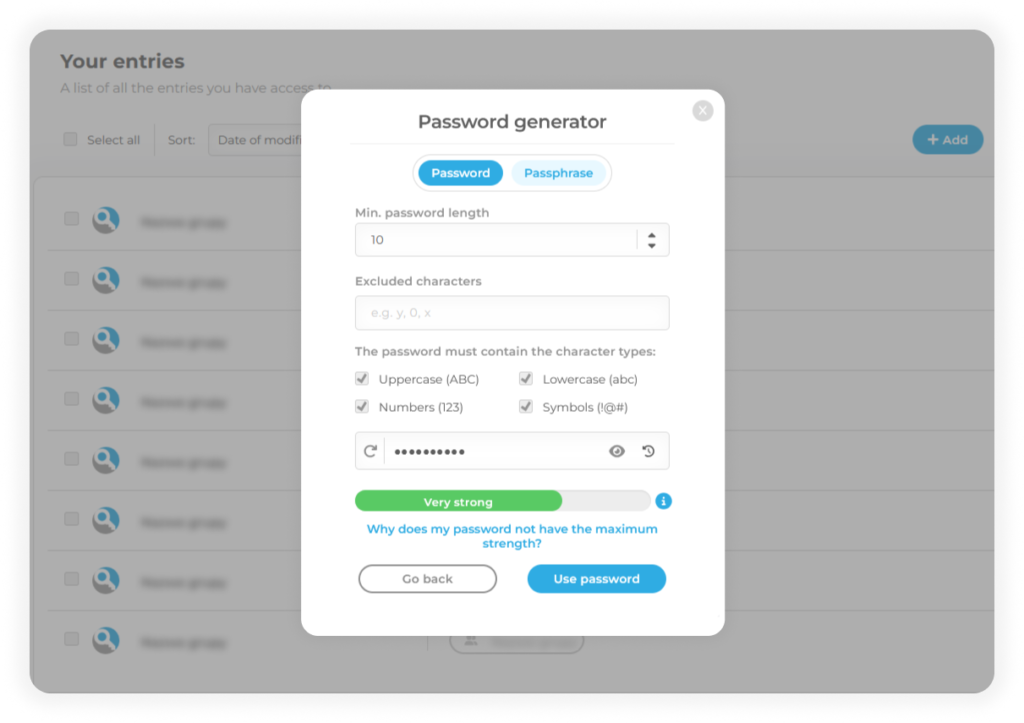
- You generate “spaghetti passwords” with a single click – they are difficult for hackers, and you don’t have to make them up.
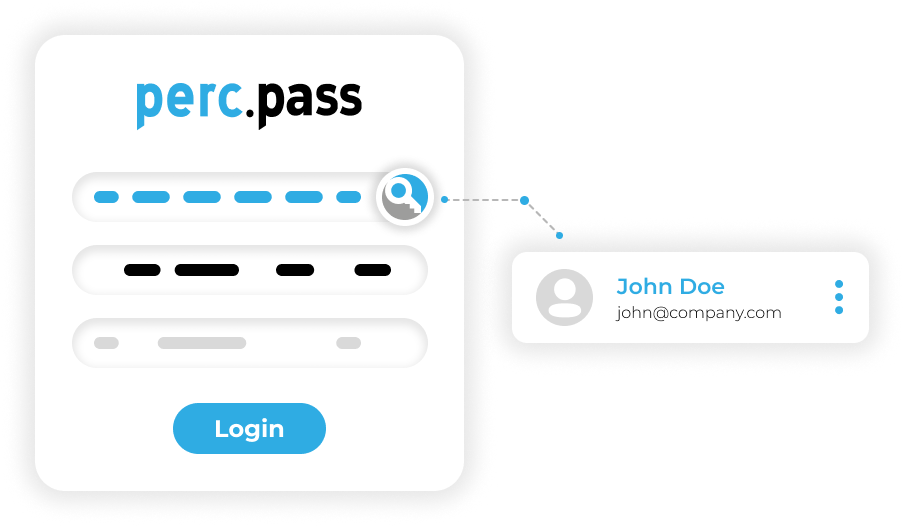
- You don’t have to remember them – you only need to remember one master password (to the password manager), and all the rest fills in automatically with a single click!
How to share a password safely without getting off the couch?
Let’s get back to family life. In this environment, passwords are rarely “private”
Dad pays the bills, but Mom needs to log in to… to…
Both Mom and Dad want access to the educational platform.
And the (tech-savvy) Grandma wants to see photos of her grandkids in the cloud.
The reality is, we have to share some of these passwords because not every service offers separate accounts for each family member.
So, how do we usually pass them around?
We shout across the room – even the neighbors can hear us.
We send passwords via SMS or messaging apps in plain text – this is a bad and dangerous practice.
We write them on sticky notes – but notes love to get lost or fall into the wrong hands.
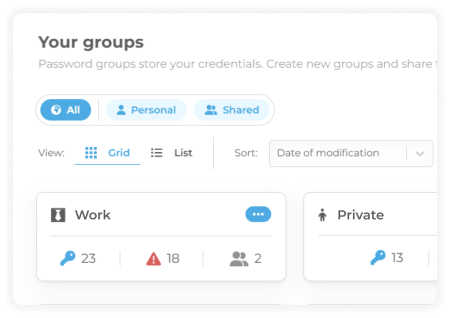
The perc.pass password manager allows you to securely share login details with your loved ones. Each member has their own account to store private passwords and can create so-called shared groups containing the passwords you want to share with others.
New streaming account?
Just create the account, save the details in perc.pass, share them with other family members within the manager, and you’re done!
Children learn through observation (online too)
Remember, children are excellent observers.
If they see a parent typing the same simple password over and over or getting frustrated during login, they’ll see it as the norm. However, if they see that caring for digital security for example, by using a password manager is as natural to you as buckling your seatbelt in a car, they will pick up that habit themselves.
This is the best lesson you can give them before they create their first social media accounts or gaming profiles. They can learn secure habits from the very start.
Try perc.pass with your family for one month for free – click here