
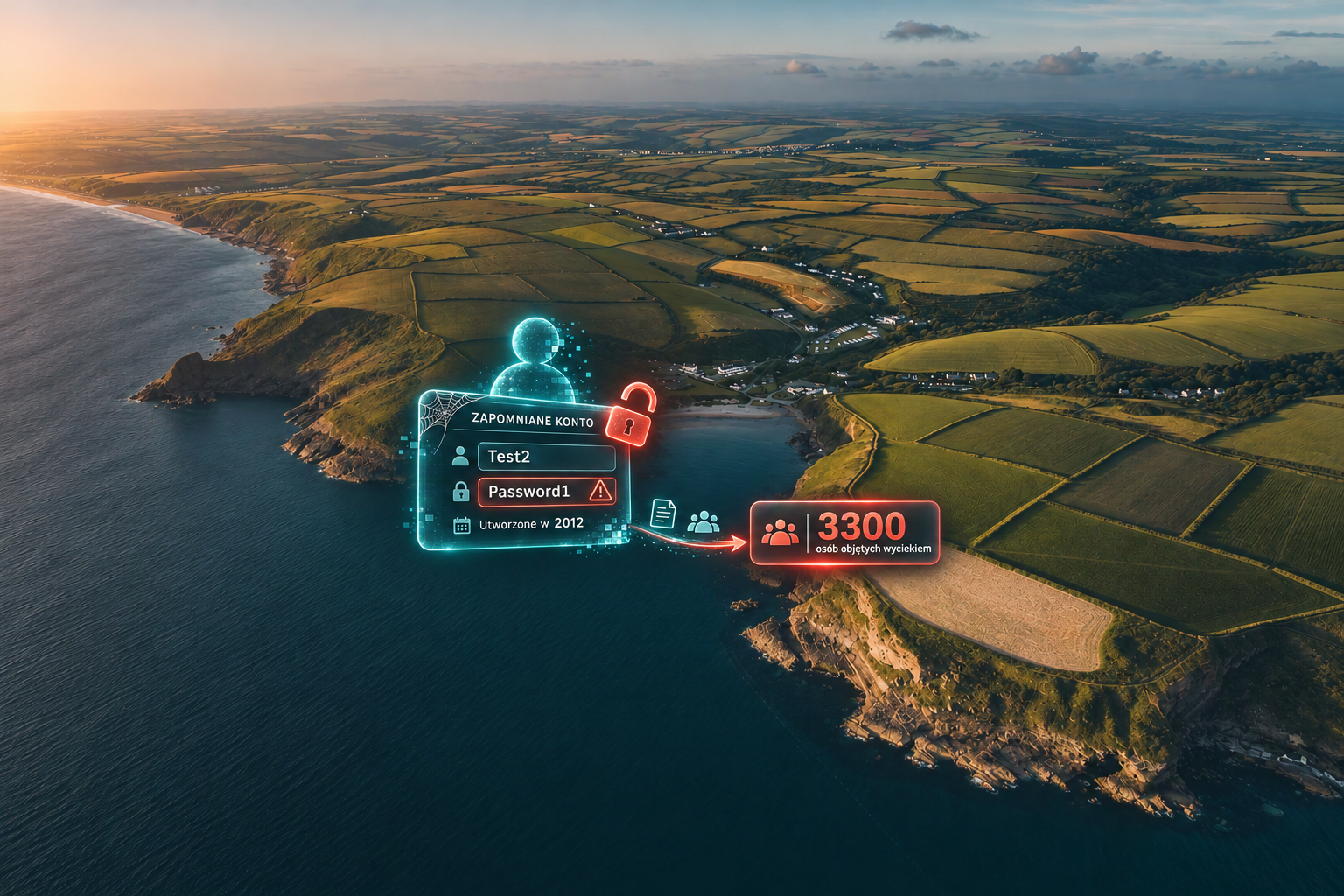
Halloween is behind us, yet not all ghost disappear along with the decorations. Before we dive into the specific incident in which the personal data of 3,300 people – mostly children – was leaked, it is worth explaining what these “ghost” are.
Ghosts on the web have a login, a password, and access to data (documents, messages, photos, etc.) tht we have long since forgotten about. An account left over after a completed project, a profile on a long-unused service, access created “just for a moment” – the examples are endless. Such access points can be found both in corporate infrastructure and in our own history of online registrations.
The fact that we have long forgotten about an account or service does not mean it has stopped working. And if we protected it with a password referencing a furry family pet or a keyboard combination like qwerty, cracking such a combination will pose no problem at all. Direct proof of this comes from a recent story straight from the UK.
It is time for a lesson form Wales involving Data Cymru and its IT service provider, Ogi Networks Limited, which was reported by the BBC on October 21.
A test account with an exceptionally long tenure
The incident occured on November 1, 2024. Cybercriminals exploited a test account – specifically, “Test2”. The account has been created back in 2012 and was (still) protected by the password “Password1”. Even though this access was no longer needed for day-to-day operations, it had never been effectively removed from the environment.
The consequence of this oversight was a ransomware attack that encrypted 182.7 GB of data, with 42 GB exfiltrated. The breach exposed information belonging to 3,300 individuals, the vast majority of whom were children and families participating in Data Cymru projects.

This was merely the problem of a single password, as the subsequent investigation also revealed oversights in account reviews, administrative access management, and the division of security responsibilities between the organizations.
Time for digital housekeeping - in your own backyard too
You probably also have an account you haven’t logged into for years: an old forum, an online store, or an app you checked out for a single evening. If information remains there that you would still prefer to keep private, it is time to take care of your security.
You don’t need to start a revolution right away – just begin with a few simple steps:
- Review saved logins and old registration emails, which can effectively jog your memory about digital “ghosts”.
- Delete unnecessary accounts, and whether possible, first check the option to wipe stored data.
- Change weak and reused passowrd to long, unique combinations. A password manager will make generating and securely storing them much easier.
- Enable multi-factor authentication (MFA) wherever possible – especailly on email and other critical accounts,
In an organizational setting, regular reviews of test, technical, and inactive accounts, alongside strict control over granted permissions, must also be added to this list. A strong password alone cannot replace proper access management.